Thanks be to A-Patch!
The awesomeness that is A-Patch is now out with a version for Windows Live Messenger 9 (the Wave 3 RC version released last week). It’s actually a cut down list of options this time, in order to get it out quickly. But I’m not complaining. I’m really happy. Here’s why:
As well as the usual option for getting rid of the advertisements, it also enables Multi-MSN. 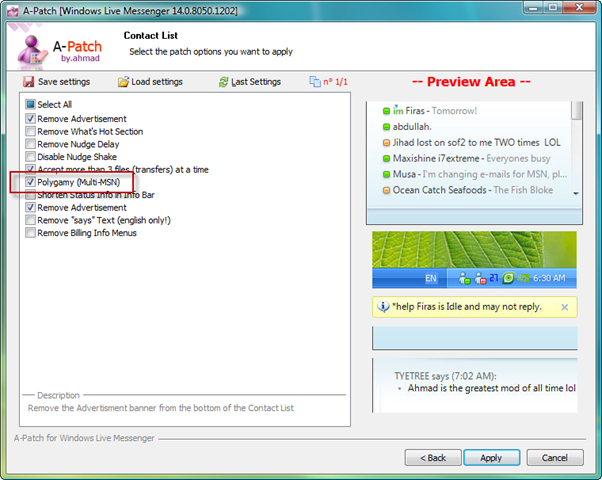
This means you can now run multiple Messenger accounts at once. For example, here’s my two main accounts both logged in on the same machine.

And you can set the status for each individually of course.

There’s been various hacks for this (none of which I could get working I have to admit), but finally there’s a really simple way to make it work.
Head on over to A-Patch and download it now.
